
How it works
From download to on air
Racevo runs on the PC that already runs iRacing and OBS. Four steps, and you can rehearse every one with test data.
What you need
No server and no extra hardware. The crew's pages open in any browser.
- A PC with Windows 10 or 11
- iRacing on that PC
- OBS Studio or vMix
- An account in the portal
Install the agent
A small program on the PC with iRacing and OBS. It reads the race and feeds the graphics, live timing and the crew's pages. If the internet drops, the graphics keep running.
Set up the event
Title, logo, colours, classes, teams and sponsors, set up in the portal with a live preview. Teams sign up on a link of their own.
Go live
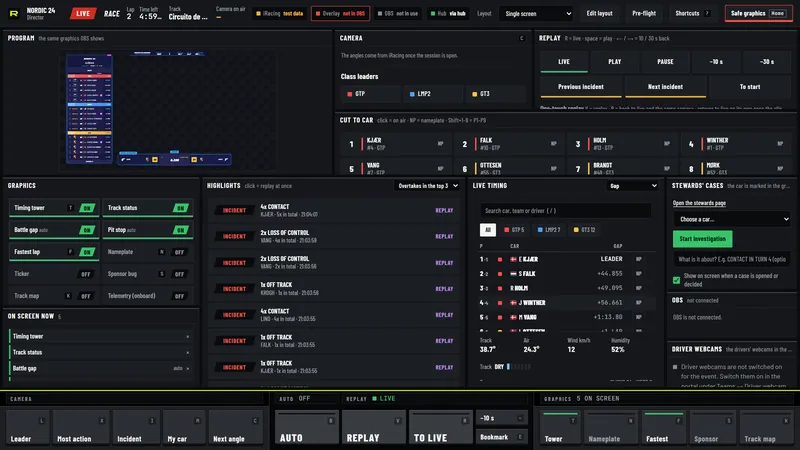
Add the graphics to OBS as one browser source. Give each person on the crew a link with a role, or switch on Auto and run it alone with Race Brain on the cameras.
Who it is for
Built for the people who run races
Series organisers
The same look every round, the championship through the season, and race control with a page of its own.
Endurance teams
Stint plans, driver changes from the phone and the time of day, for six hours or twenty-four.
LAN events
Drivers swap seats in the room, the team reports the change, and every rig can send its driver's webcam.
Streamers
One person can run the show: Race Brain on the cameras and the graphics as one browser source.
On air
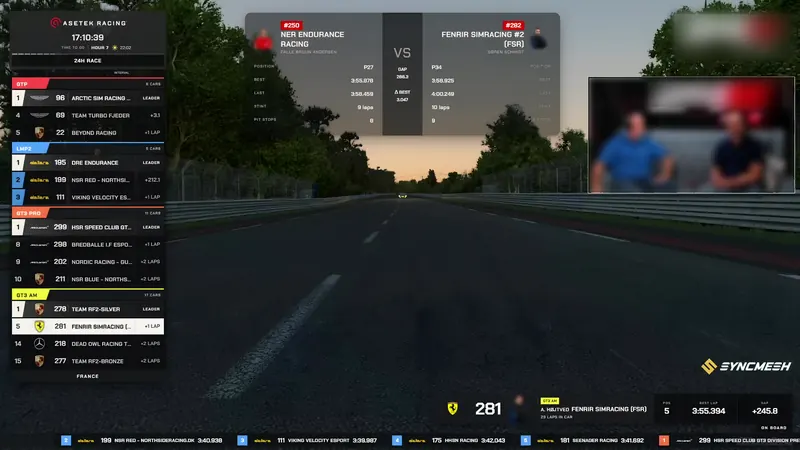
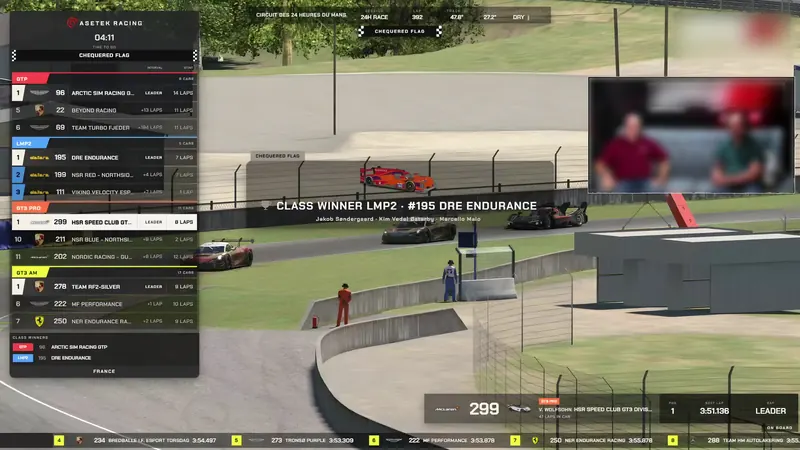
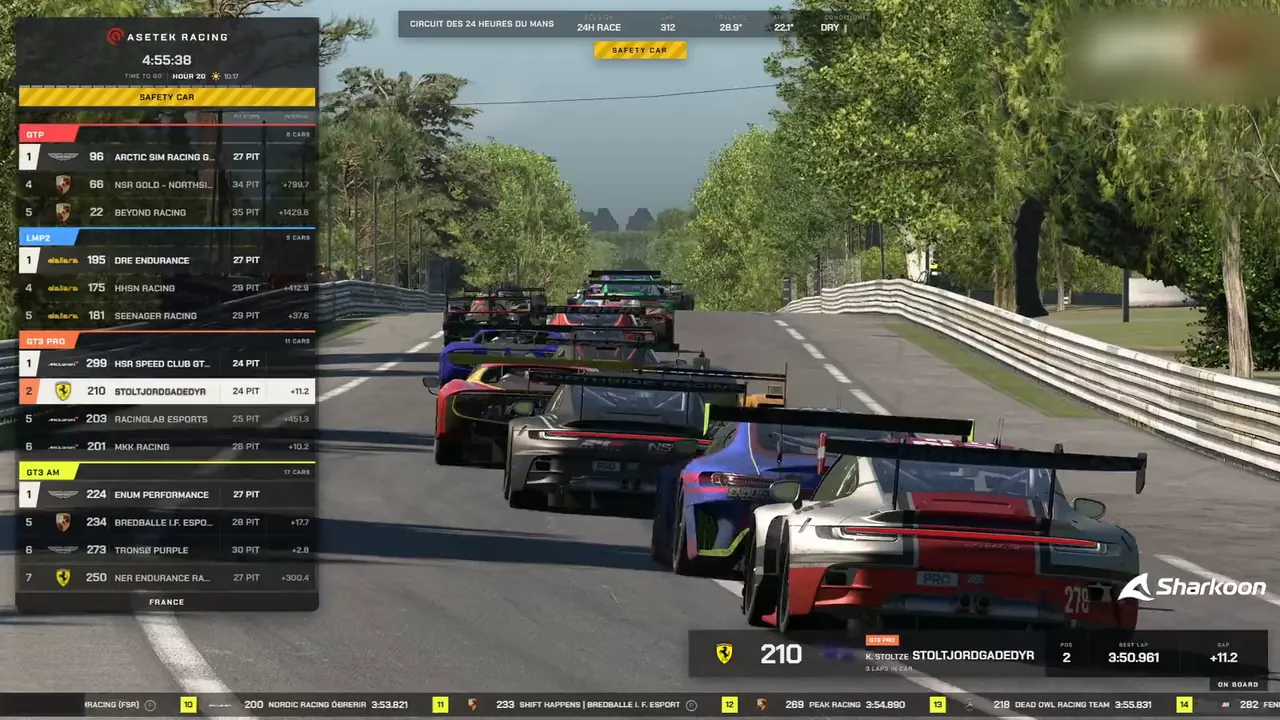
Moments from a real broadcast
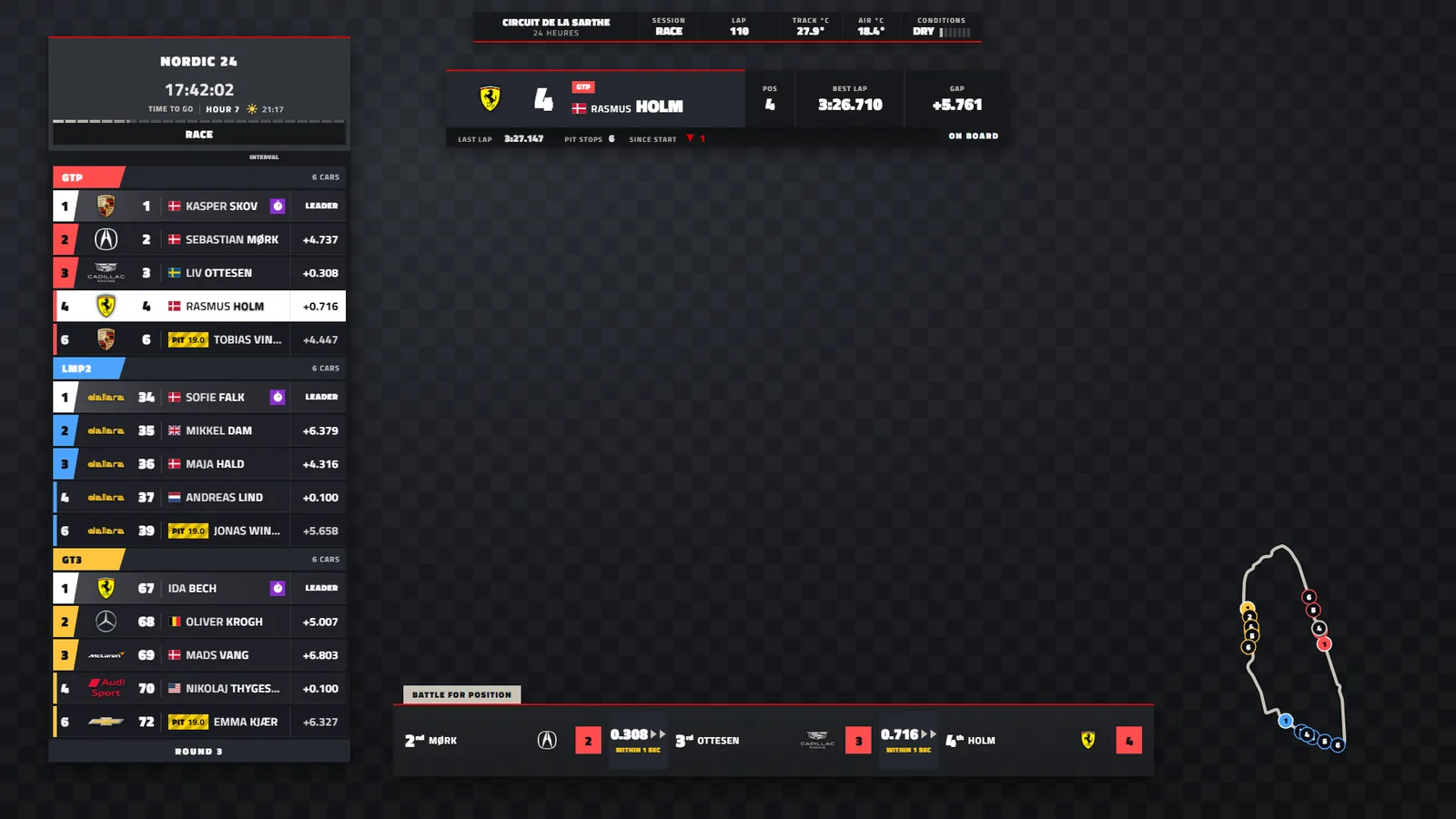
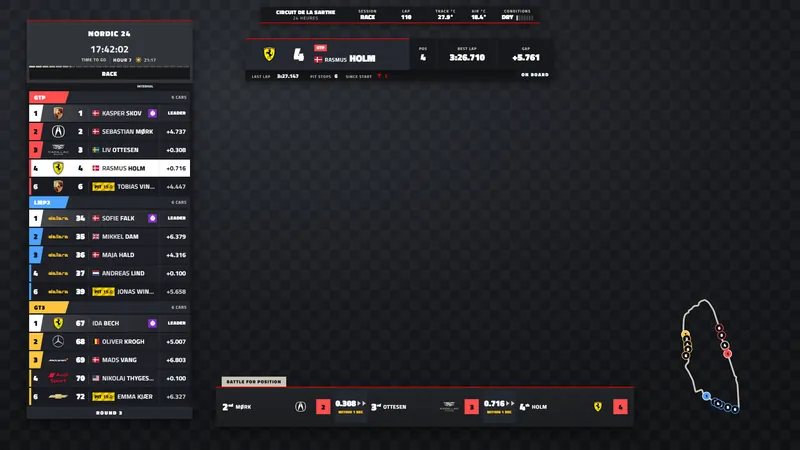
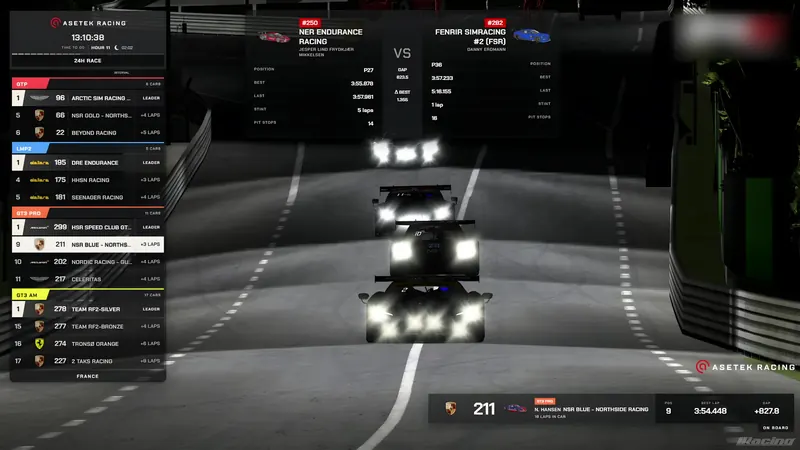
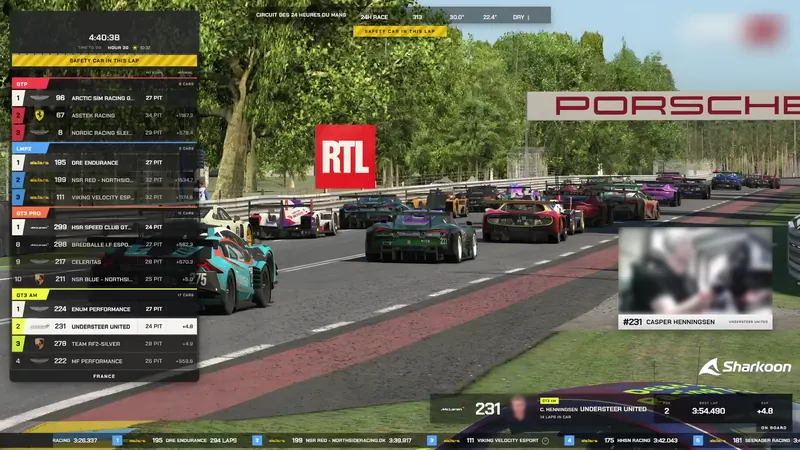
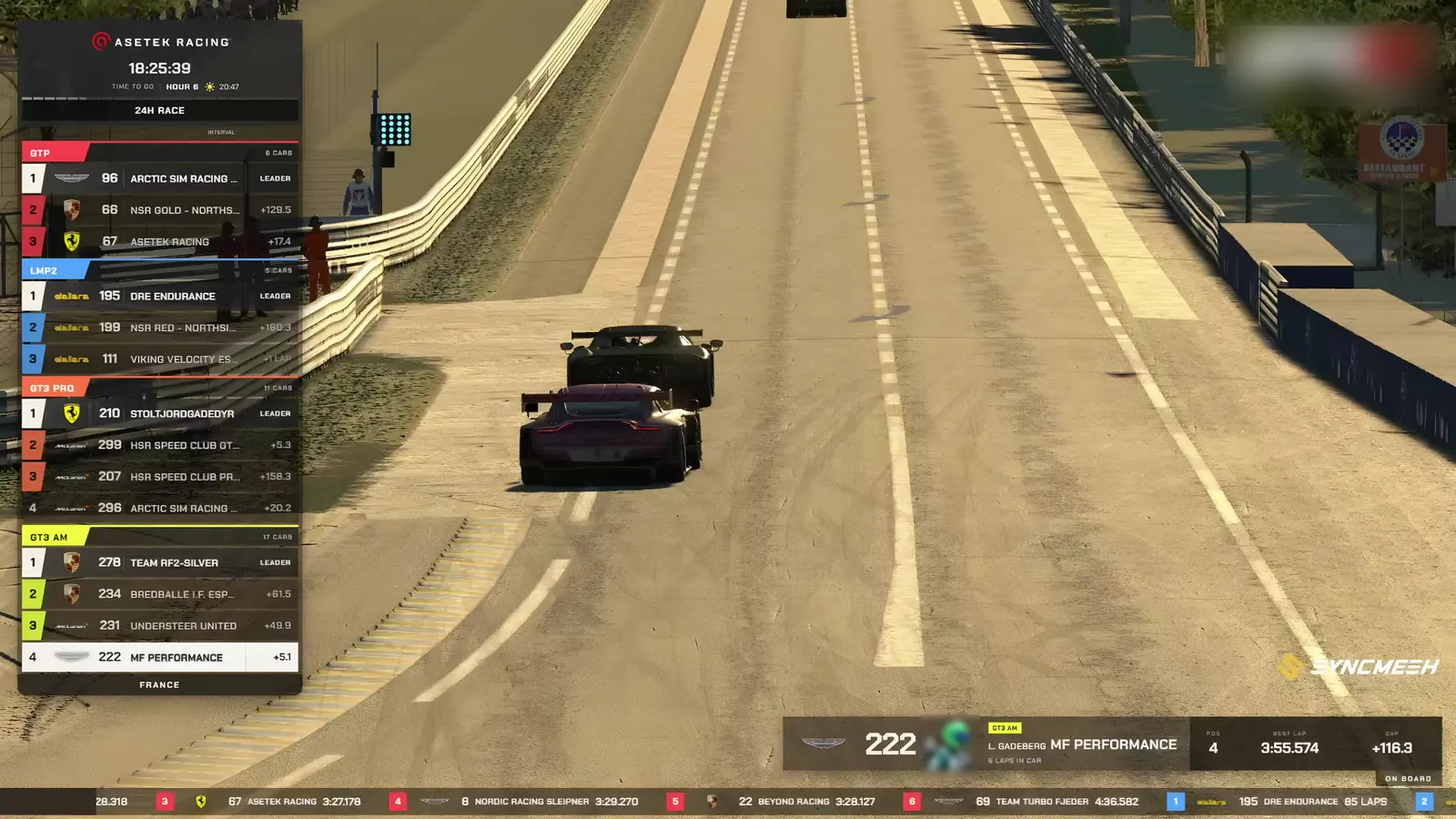
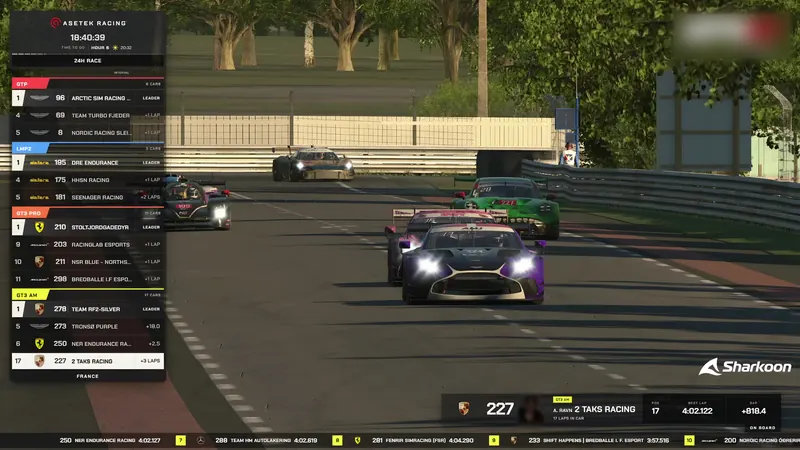
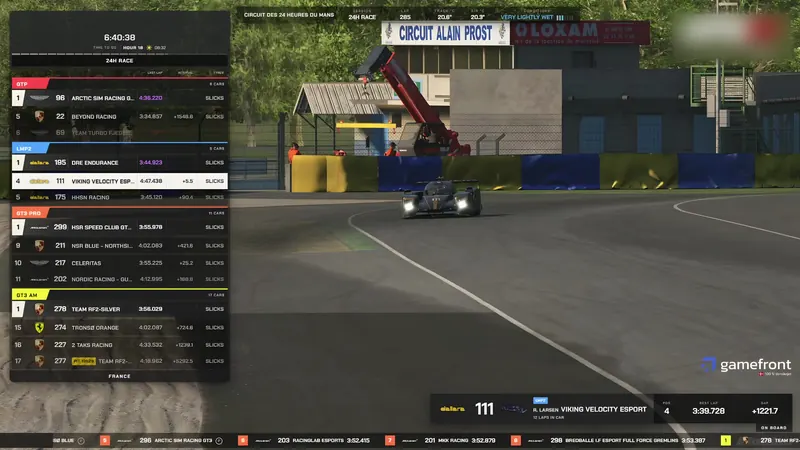
The graphics as the viewers saw them, from a real 24-hour broadcast.
Try it free
Everything works with test data for 14 days, so you can rehearse before it counts. No card needed.
- Create an account with Discord or e-mail
- Install the agent on the PC with iRacing and OBS
- Buy a licence when you go live